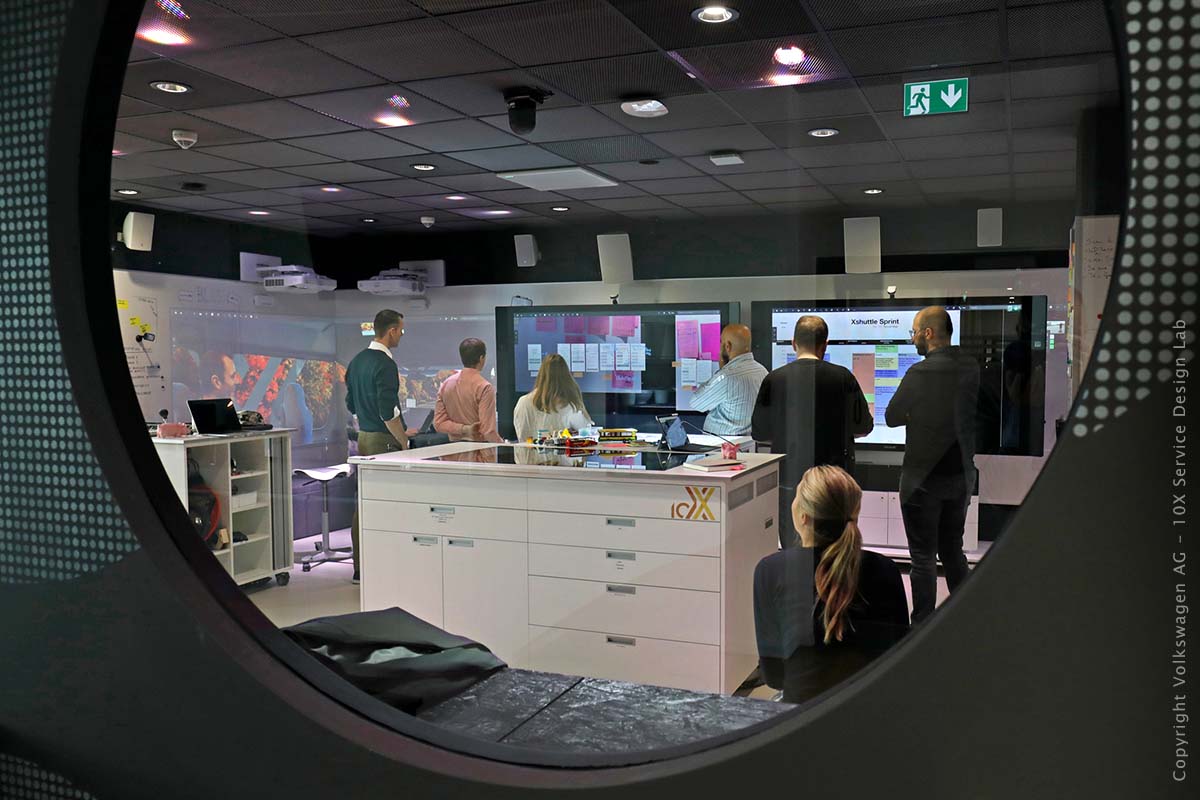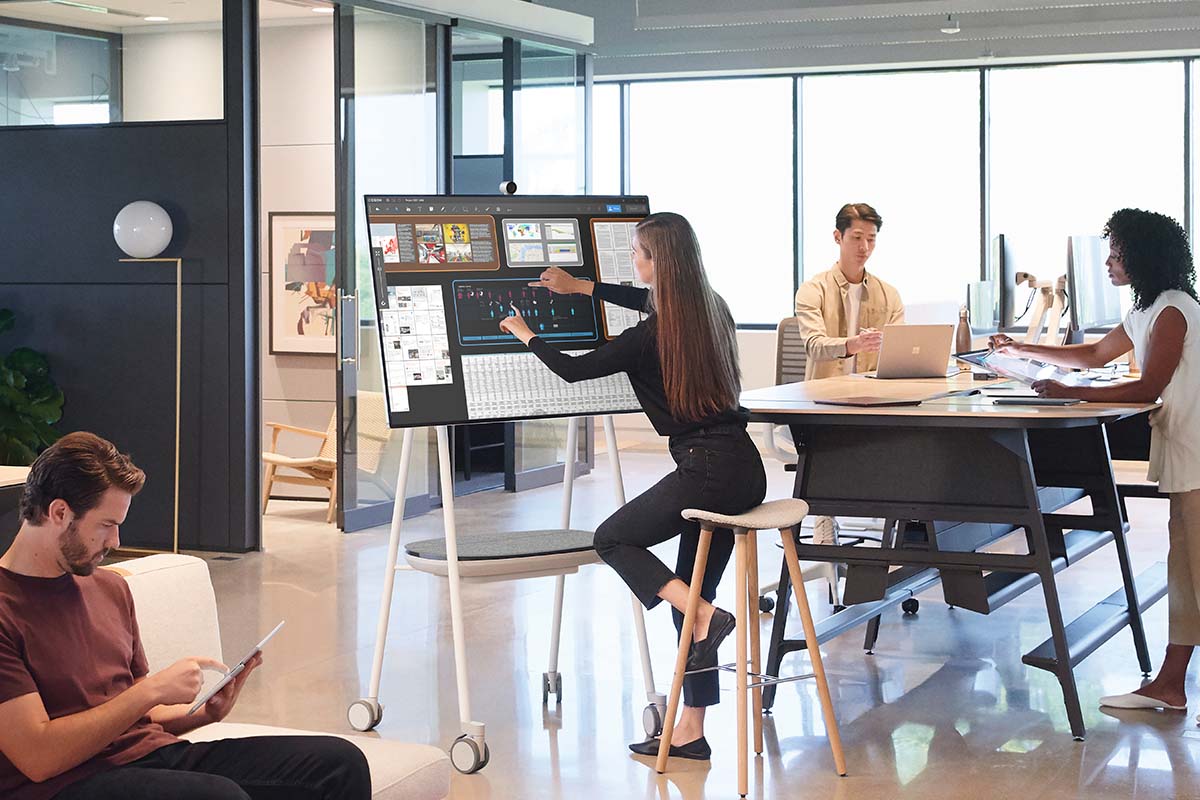




Join is a large-scale, multi-user, highly versatile, user-friendly workplace.
Using Join, companies can easily improve and strengthen meetings, workshops, and all work areas that need fast, effective collaboration.
It is ideal for companies with multiple locations.
Large Display Area
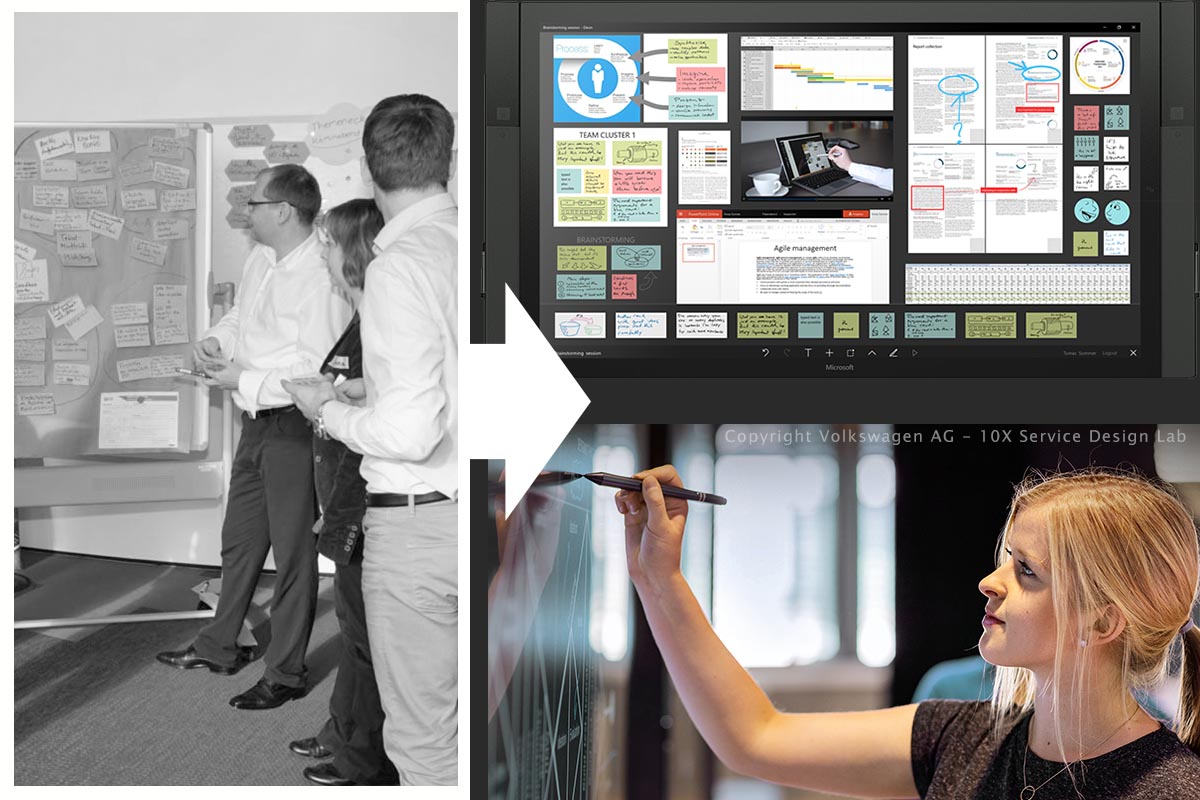
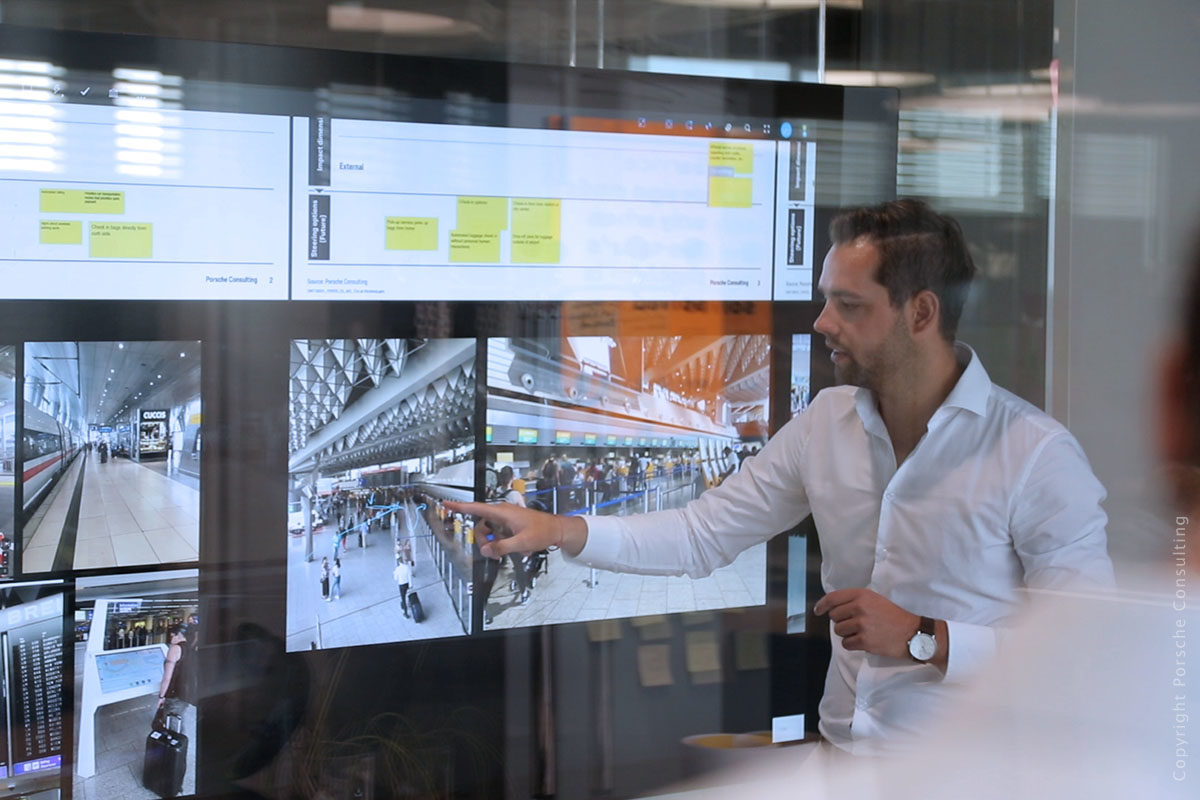
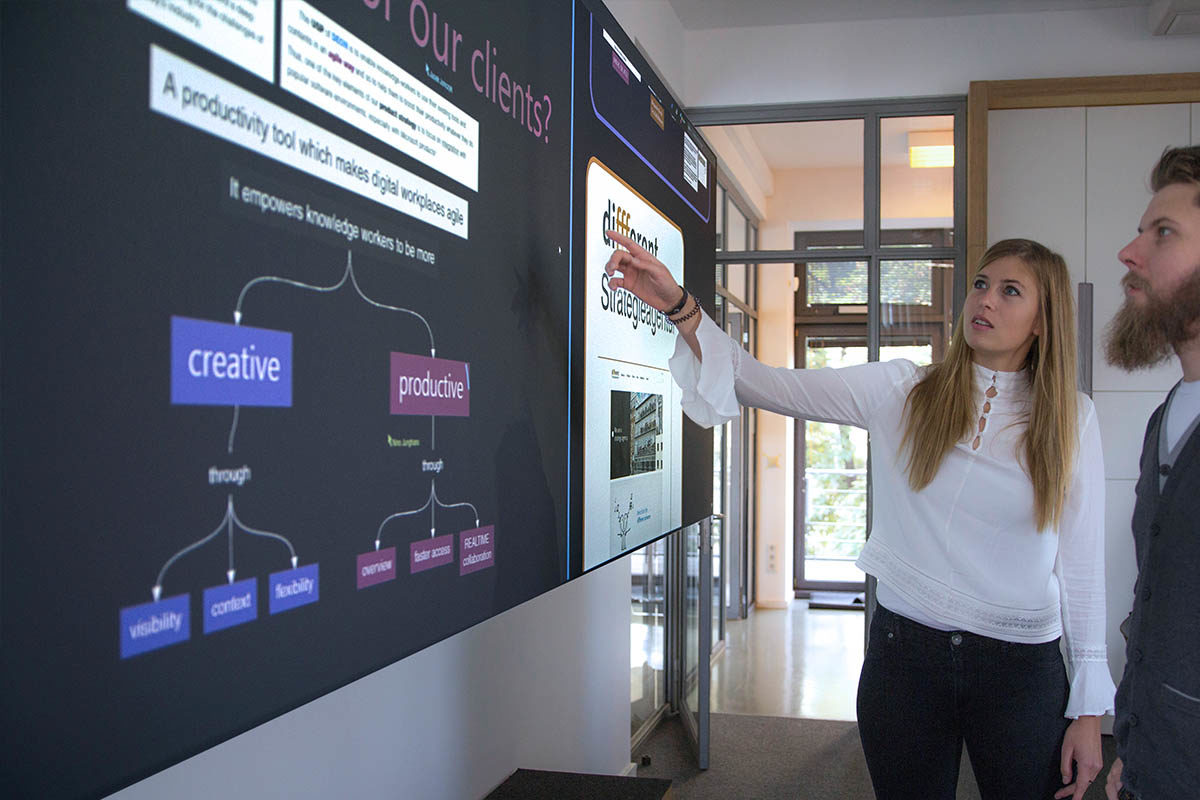
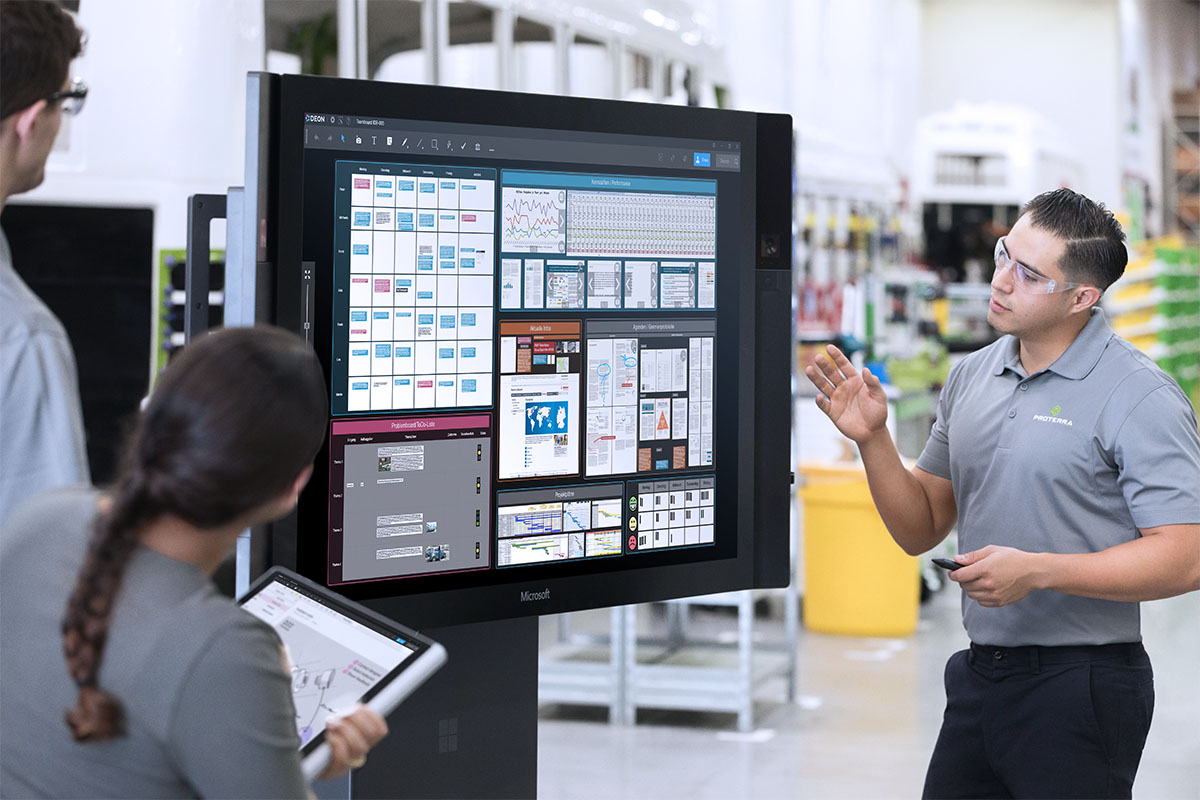
Join’s large, high resolution screen area displays an exceptionally large amount of information that can be seen and comprehended with one glance. Join makes complex relationships and data visually accessible and, therefore, much easier to understand.
Intelligent User Interface
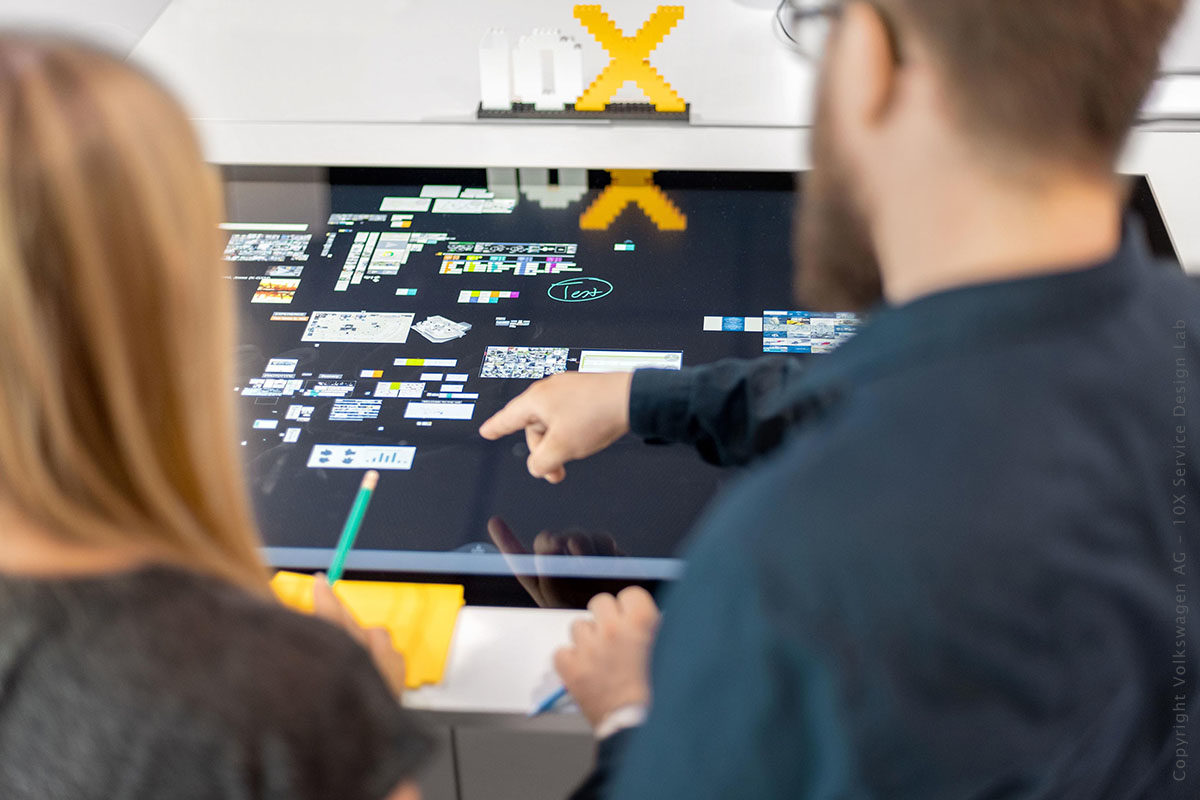
With Join, all digital contents become clear and structured. It provides a highly innovative user interface - the Collaboration Map. All contents, for example texts, images, charts, tables, figures, videos, etcetera, are displayed as “Intelligent Screenshots”. Join spreads these over the entire screen, just like a giant conference table. Using the Collaboration Map, several persons can simultaneously edit, organize and comment upon the materials. Complex contents and their relationships are thus made immediately clear.
Revolutionary Input Device
Deon has developed a completely new, revolutionary input device - the Join Controller. Like a laser pointer, the Join Controller gives precise control of the mouse cursor. Using multiple Join Controllers, several persons can work simultaneously at any distance from the screen. They can outline and comment as precisely as if they were drawing with a pen. The Join Controller recognizes handwritten text automatically and responds to hand gestures.
Collaboration across Different Locations
Companies with multiple, widely separated locations can easily connect with Join and work together, regardless of geographic distances.
Connection with Tablet PCs
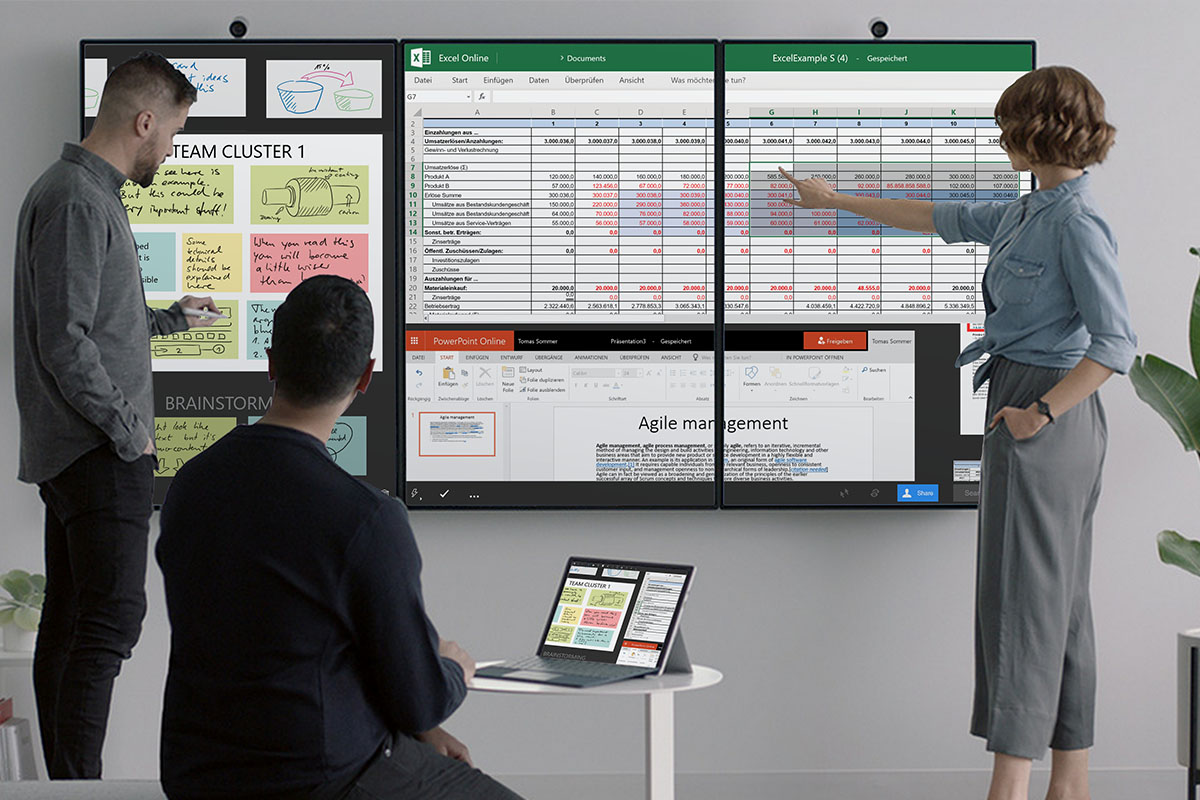
Join connects with Tablet Computers, so persons can edit different sections of the Collaboration Map simultaneously. In this way, the entire team participates actively in the collaborative work process.
Business Apps
Join responds to your company’s individual requirements by integrating additional business applications. Join Business Apps customizes the Join system to fulfill your specific need whilst ensuring the system remains safe and user-friendly. In addition to the large number of Business Apps you can integrate third party software such as Microsoft Office.
Easy Data Exchange
Join enables you to exchange data between the Collaboration Map and mobile devices. You can even transfer your mobile computer’s screen to the Map. Common interfaces allow seamless communications between notebooks, Tablet PCs, smart phones and the Join system.
Data Import and Export
You can transfer data from and to the Collaboration Map connecting portable storage devices, like USB-Sticks.
This means you can carry your work with you safely and reuse it on any other computer.
All contents can be transferred to other applications by using Join’s wide export and conversions functions that support common formats like Microsoft Powerpoint or Adobe PDF.